
How to Search Cases by Name
Start with the Kansas District Court Public Access Portal, known as Kansas CaseSearch. It covers participating Kansas District Court case information, not a Ness-only database. Select Ness County before trusting any name match. A broad statewide surname search can bury things. It can hide the local result under unrelated cases.
- Open the portal, read the user agreement, and choose Accept.
- Select Ness County under Court or Filter by Location when that control appears.
- Choose Party Name, Business Name, Nickname, Sounds Like, or Smart Search to fit what is known.
- Enter the required search term and add a case type, status, filing-date range, or judicial officer only when useful.
- Complete the Human check, then submit the search. Use Clear or Reset if the query is too broad.
- Open a likely result and verify the court, case number, type, status, parties, and event dates together.
Treat a name result as a possible match, nothing more. Similar names are everywhere. Confirm the county and the case details before you conclude anything. Is a business a party? Use the Business Name option instead. It is described in the official Smart Search update.
| Field Label | Type | Required | Notes |
|---|---|---|---|
| Search Term | Text | Yes | The live form marks it with an asterisk. |
| Court | Select | Session dependent | Choose Ness County when available. |
| Search Type | Select | Yes | Includes case, citation, party, business, attorney, and judge routes. |
| Case Type | Select | No | Values are dynamic. |
| File Date From/To | Date | No | Limits results by filing period. |
Ness County CaseSearch Starting Point
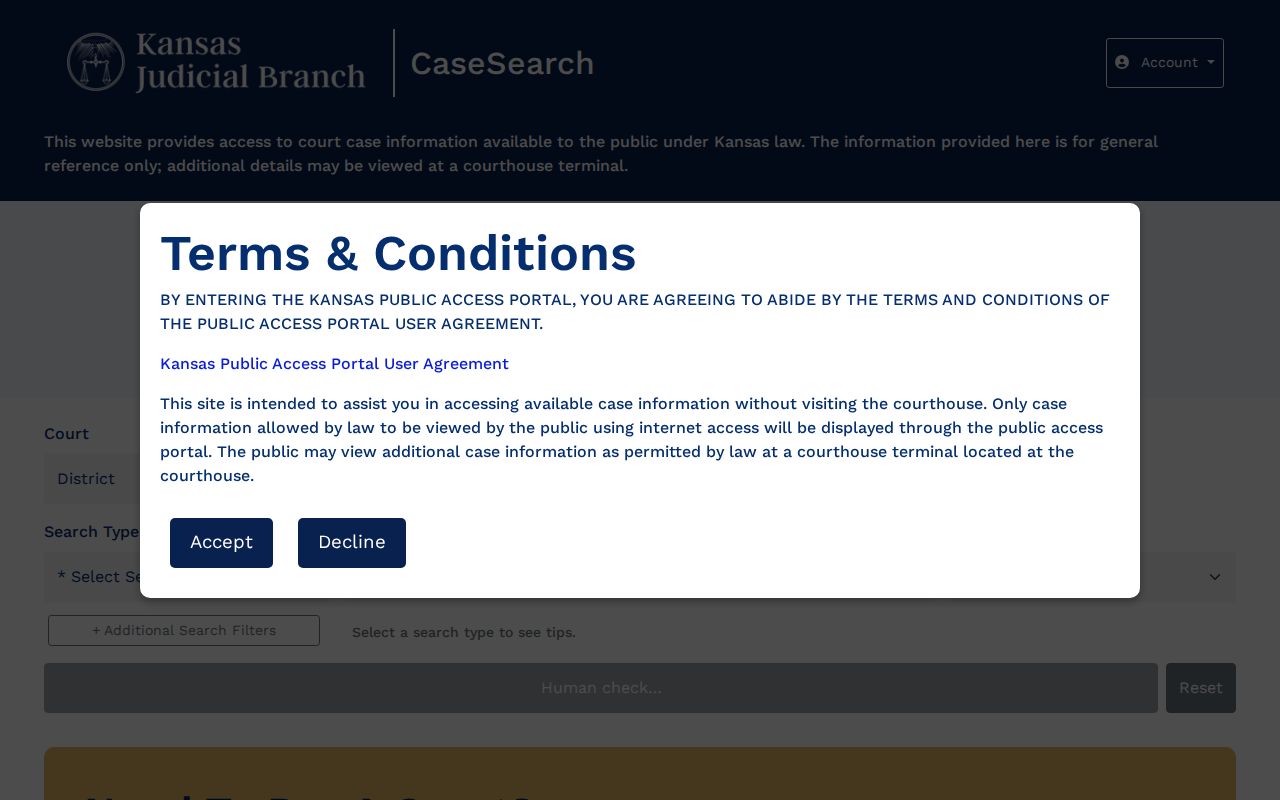
The portal's current landing screen shows Kansas Judicial Branch branding, a terms gate, Court, Search Type, the required Search Term, extra filters, a Human check, and Reset or Submit controls. It tells guests that basic case details are free to view. The official 2025 guide says registration is required for Smart Search. The system is clearly in transition, so follow whatever instructions the live session shows you. The official CaseSearch landing page displays those terms and controls.
Think of the portal as the remote layer for public case information, not the official record. Its payment link runs a separate task entirely. Guest searching carries no public fee in the current interface. Copy work, certification, record requests, and payments may each carry their own charges.
How to Search by Case Number
A case number is usually the sharpest search key. Pick Case Number and type the identifier exactly as the system expects. The official guide lists older examples such as 2019CV25 and RL2019CV25. It also shows a newer county-year-type-sequence structure like RL-2019-CR-000001 for Riley County.
Older and newer Kansas formats can differ in punctuation, spaces, and prefixes. Try the exact number from your notice first. If it fails, do not guess a county code. Ask the Ness County District Court clerk which legacy or current format applies.
Use Citation Number only when the identifier you hold is a citation. A cross-reference number is its own field. Choosing a search type never unlocks restricted information. It only tells the portal how to match your input.
Ness County Search Keys Compared
Match the field to the source in hand. A number typed into the wrong field can return nothing even when the case exists. The official Smart Search update lists every available search type and filter.
| Known Detail | Search Type | Best Check |
|---|---|---|
| Court case number | Case Number | Confirm county, year, type, and sequence |
| Ticket identifier | Citation Number | Confirm whether it is state or municipal |
| Person | Party Name or Smart Search | Filter Ness County first |
| Organization | Business Name | Use the business option |
| Attorney | Attorney name or bar number | Check the case court and status |
| Judge | Judicial Officer | Pair with location or dates |
A Ness City or Bazine municipal citation may not belong in Kansas CaseSearch. Municipal courts keep city-ordinance dockets on their own. The Ness City vendor screen takes a citation number for payment, but it is not a public case lookup and shows no documents.
What a Case Search Shows
Kansas records guidance draws a line between case information and the case record. A public result may identify a case and summarize its activity, while the filed documents behind that summary may not be linked online. So a missing image never proves that no document was filed.
| Case number | The court-assigned identifier, with format that can vary by system period. |
|---|---|
| Court | The county or location that owns the record; verify Ness County. |
| Case type | A category such as civil, criminal, probate, or another system value. |
| Parties and attorneys | Names shown when public display is permitted. |
| Judicial officer | The judge or magistrate judge assigned or shown for an event. |
| Status | A system label such as pending, disposed, or closed that needs context. |
| Events and hearings | Dated entries for filings, orders, settings, or other case actions. |
Read docket event rows in order, and read them literally. "Motion filed" is a request, not a ruling. "Hearing scheduled" does not prove the hearing occurred. "Case closed" is not the end. It says nothing about later enforcement, appeal, or modification. When the exact result matters, open the available order or request the document.
Ness County Guest Access Shift
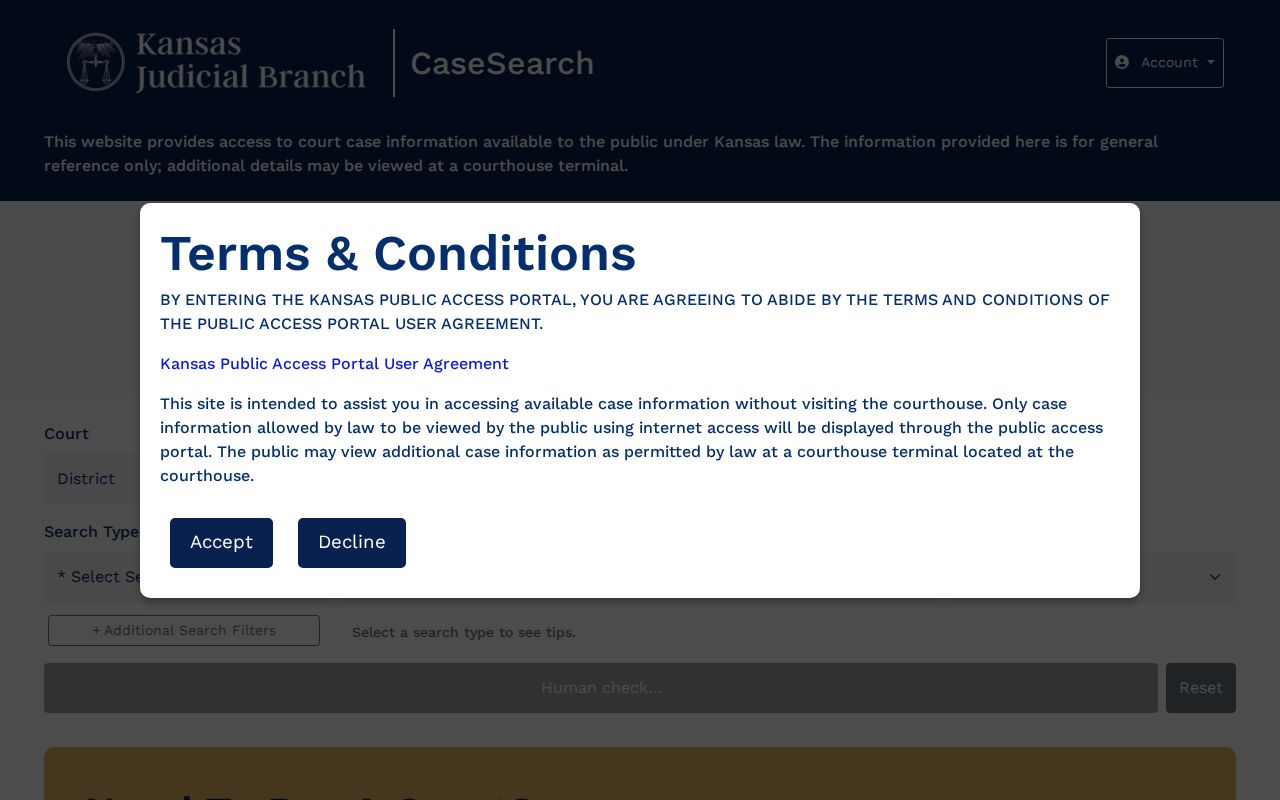
The live interface says guests can view basic case details. It uses ID.me for approved elevated access. The 2025 public guide says registration is required to run Smart Search. Both statements are official snapshots of a system in transition. Obey the current screen. Do not assume the old registration step or the guest notice will hold forever. The rendered Kansas CaseSearch interface shows the terms gate and guest-access controls.
Expanded access belongs to approved roles only. It is not a shortcut for the general requester. The public can search the basic portal, use the courthouse terminal, or ask the clerk for a record. No access level overrides a statute, rule, sealing order, or redaction.
County vs Statewide Case Search
Ness County offers no separate online portal with a deeper local result set. Kansas CaseSearch is the statewide remote layer, with Ness County selected as the location. For the local alternative, use the public terminal and clerk at Ness County District Court rather than hunting for a second web database.
| Statewide Portal | Ness County Local Access |
|---|---|
| Remote case information across participating District Courts | Courthouse terminal and clerk-assisted access |
| Location and advanced filters | Help with old formats, documents, and copies |
| Only information allowed for internet display | Additional public material may be available at the terminal |
| Not the official court record | Clerk maintains the originating District Court record |
The Ness County courthouse sits at 202 W Sycamore, Ness City. The clerk can be reached at 785-798-3693. Mailed requests go to PO Box 445, Ness City, KS 67560. A fax number, 785-798-3348, is published. Call first, though, before faxing a court records request, and ask what fees apply.
Ness County Portal Failure Routes
A gateway message, JavaScript block, CAPTCHA failure, or maintenance screen is an access problem. It tells you nothing about the Ness County court docket itself. So a failed query in the application is not proof that a case does not exist.
Use the fallback chain: retry the official portal in a normal browser, use the courthouse terminal, call the District Court clerk, then submit a focused written request when a document is needed.
Rule 22 requires public-terminal access to public case records and events indices. A record left off remote view may still appear there when law permits. For copies, file the Kansas court-record request form. Name Ness County District Court. Give the case number if you have it. Add the date range and the exact record sought. The portal also is not the KSCourts Central Payment Center. Paying a court obligation is not a docket search. A payment link will not hand you a docket sheet. Keep the case or citation number handy and use each system only for its stated task.
Restricted Cases and Access Rules
Kansas Rule 22 opens more than one public outlet. It restricts internet display of sensitive material. Adoption, care and treatment, child-custody, child-in-need-of-care, coroner inquest, divorce or dissolution, and expunged matters sit outside the remote portal. Web limits also cover many juvenile, domestic, and guardianship documents. Not online is not the same as not public. Some public information may wait at the courthouse terminal or with the clerk. Still, a sealed, expunged, or confidential record does not turn public. Trying another search method changes nothing. Redaction can free an open part while shielding restricted details. Lindsey A. Weigle, Clerk of the District Court, handles access questions. The clerk can say whether a route exists. But the clerk cannot set aside a seal or grant special authority. Any request must follow the rule, statute, or order that governs the record.
Ness County No-Result Checks
A blank result screen has several possible causes. You may have the wrong county or court, an old case number needing legacy punctuation, or a search type that does not match the identifier. A municipal case may be held by a city, the record may be restricted from remote display, or the application simply failed.
- Confirm that the case belongs to Ness County District Court.
- Try the exact case number from a notice, then ask the clerk about its format.
- Use Party Name, Business Name, or Citation Number only for the matching kind of input.
- Check whether the matter is a city ordinance case with a separate municipal custodian.
- Use the courthouse terminal for public information that is not exposed online.
- Request the exact document if the case appears but its filing image does not.
Keep the conclusion narrow: a case not found through this channel may still exist. Once the search does return a setting, the Ness County court dates page explains how to read and confirm it.